Turn an Old Android Phone Into a Print Server
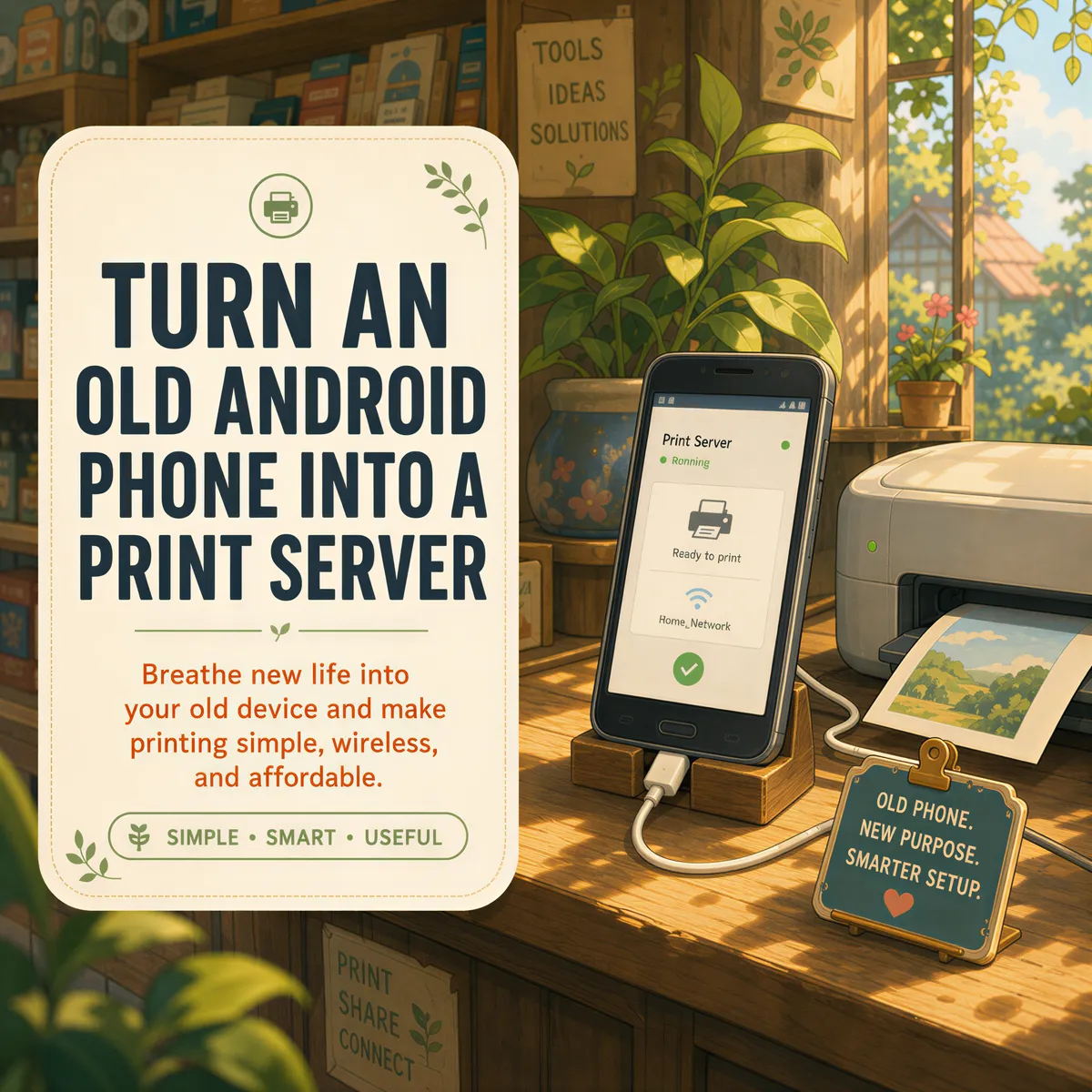
Somewhere in your shop there's an old Android phone. Cracked screen, battery that lasts till lunch, replaced two upgrades ago. Search what to do with it and you'll find the same idea everywhere: turn it into a print server.
Good idea. But "print server" means two different jobs, and the apps that do one don't do the other. Pick the wrong one and you'll spend an evening on a setup that was never going to print your orders.
Table of Contents
- Two jobs called "print server"
- Job one: sharing a USB printer
- Job two: the phone that prints your orders
- Why an old phone is perfect for this
- The one setting that breaks it
- What it won't print to
- What it costs
Two jobs called "print server"
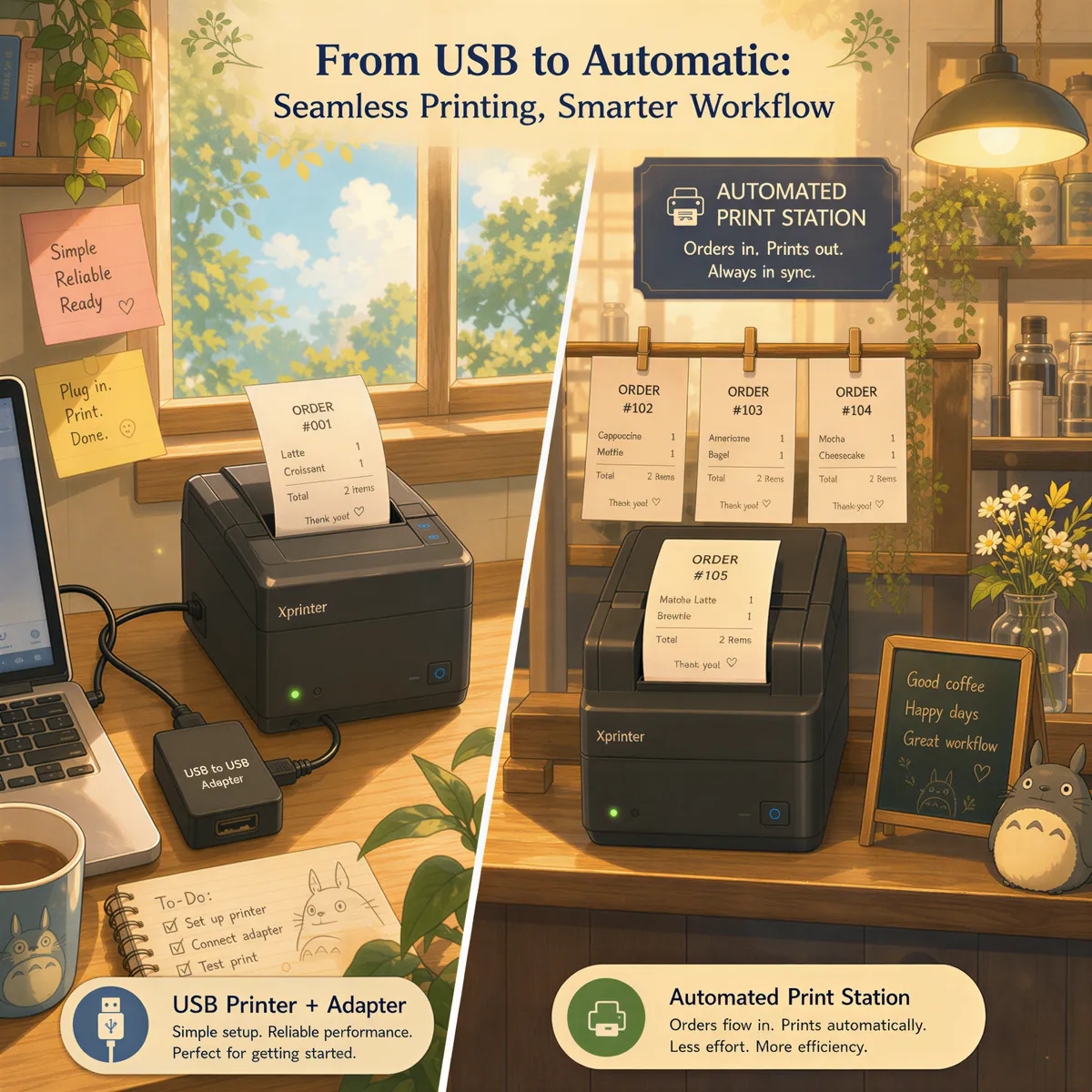
Job one: share a printer. You have a printer that only connects by USB, and you want your laptop and phone to reach it over Wi-Fi. The old phone sits between them and passes jobs along.
Job two: print what arrives. Orders, bookings, labels and invoices land in your email all day, and you want them on paper without anyone opening anything. The old phone sits by the printer and prints them as they come in.
Most guides only cover job one. Most shops actually want job two.
Job one: sharing a USB printer
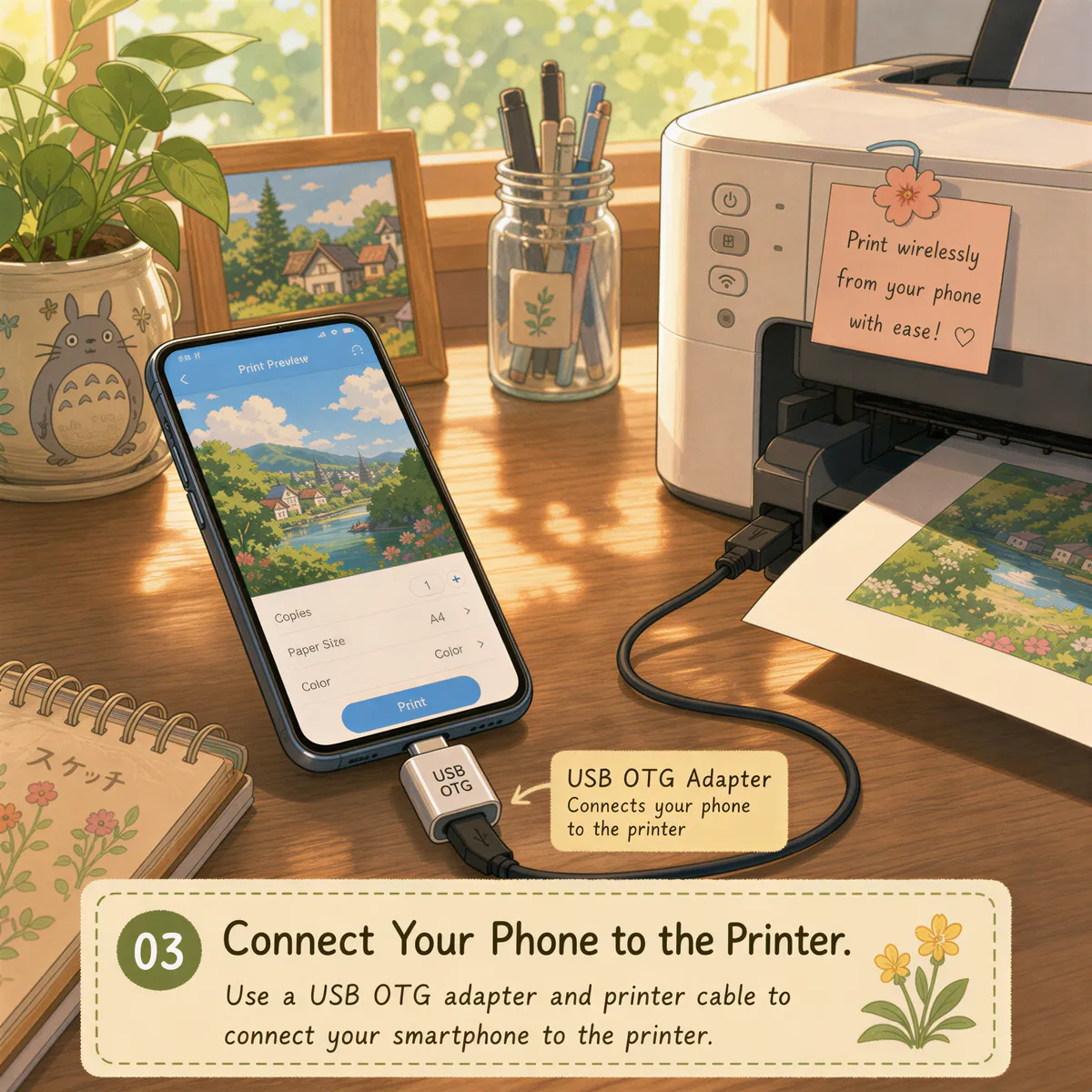
Android has no print server built in. To share a USB printer you need a USB OTG adapter, a phone that supports it, and an app that turns the phone into a relay. NetPrinter and PrinterShare are the two people usually land on.
It works, with caveats. Driver support depends on the app and your printer model, and the phone has to stay awake and connected.
If that's your job, there's also a boring answer that often beats the phone: a small USB print server box that plugs into the printer and your router. No battery, no app updates.
We don't do job one. ItJustPrints needs a printer that's already on your Wi-Fi.
Job two: the phone that prints your orders
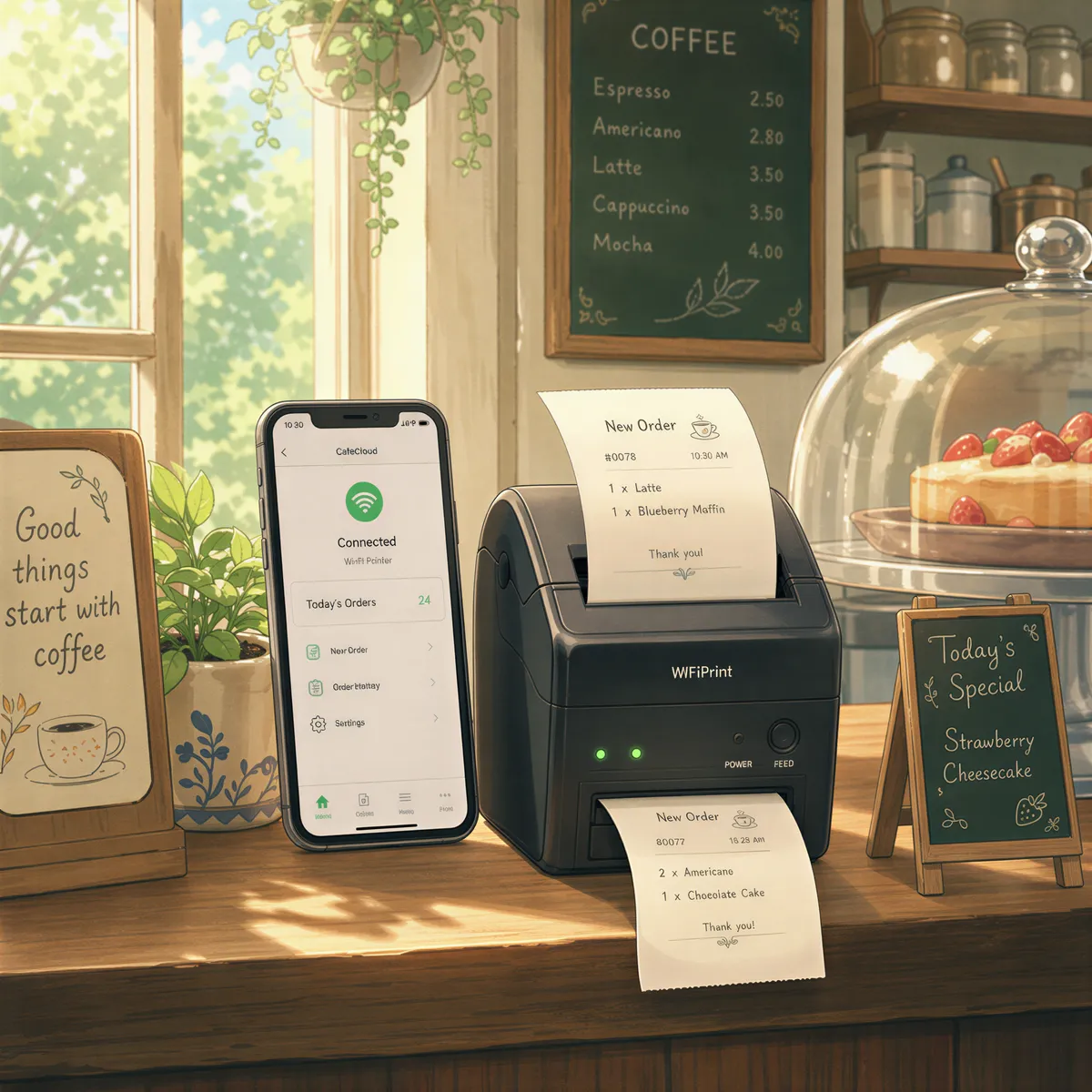
This is the one that changes your day. The phone becomes a print station:
- Install ItJustPrints on the old phone.
- Pick your printer. Anything on the same Wi-Fi that speaks IPP shows up. If the phone can already print to it from the share menu, you're set.
- The app gives you a private print address, something like
print-xxxx@in.itjustprints.app. - Send email there. Forward your order notifications, or paste the address straight into your shop's notification settings.
Then plug the phone in and leave it. Email arrives, the phone prints it. Nobody taps Print.
The full walkthrough, with screenshots of each step, is in auto-print emails on Android.
Why an old phone is perfect for this
It's a job that wants a cheap, boring device:
- The screen can sleep. On Android, printing keeps running with the display off. A dark phone on a shelf is exactly what you want.
- It never leaves the counter. No one walks off with it, no one installs games on it.
- It's already paid for. Its only job now is staying plugged in.
Any phone from the last five years or so is fine. Speed doesn't matter. Wi-Fi and a charger do.
The one setting that breaks it
Android puts apps to sleep to save battery. Great in your pocket, useless on a phone wired to the wall.
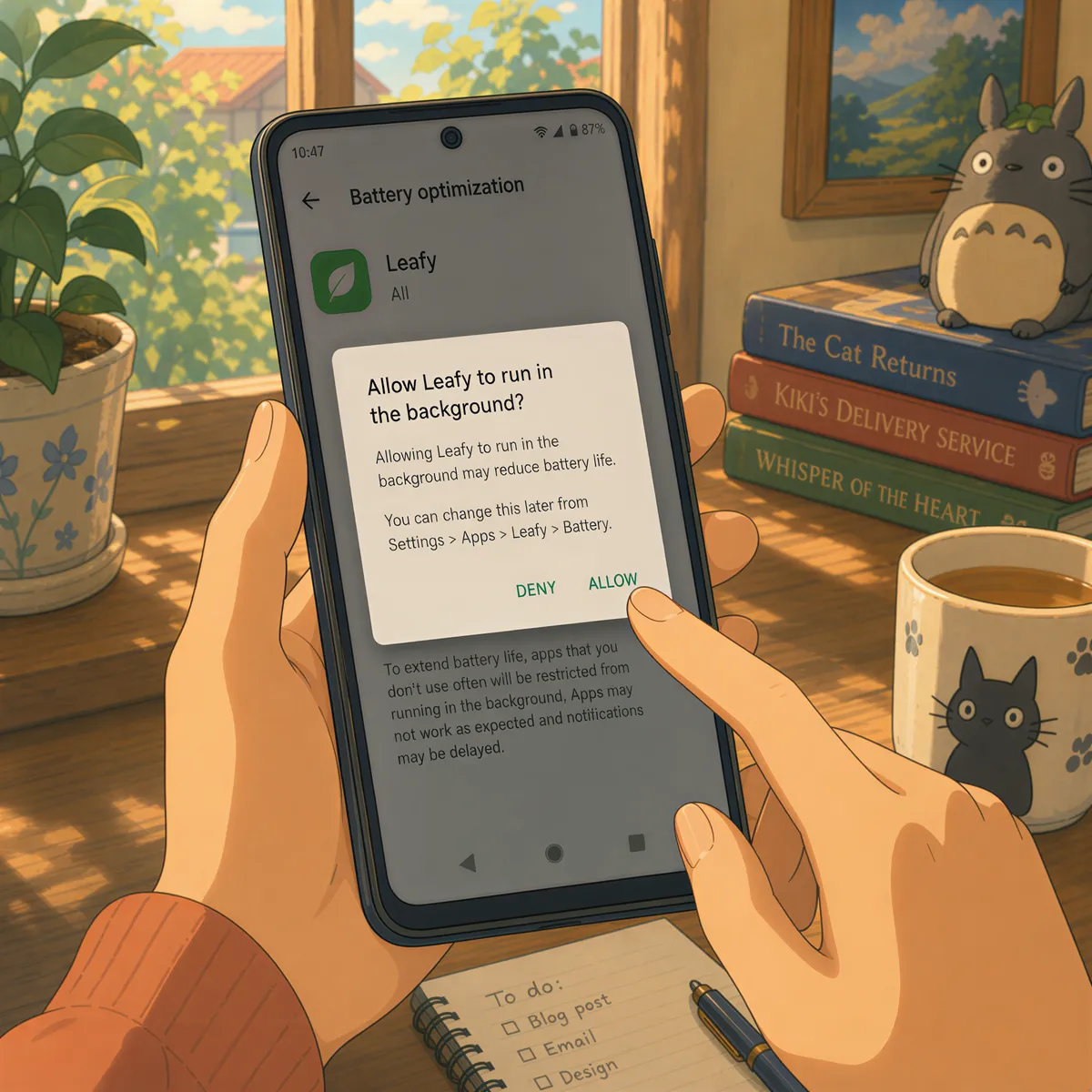
When setup finishes, Android asks whether ItJustPrints may ignore battery optimisation. Tap Allow. If prints stop overnight and come back the moment you pick up the phone, that's the setting. Some Samsung phones need it set by hand, under the app's battery settings, as Unrestricted.
And don't swipe the app away from your recent apps. That stops the station.
What it won't print to
Be honest with yourself about the printer before you start:
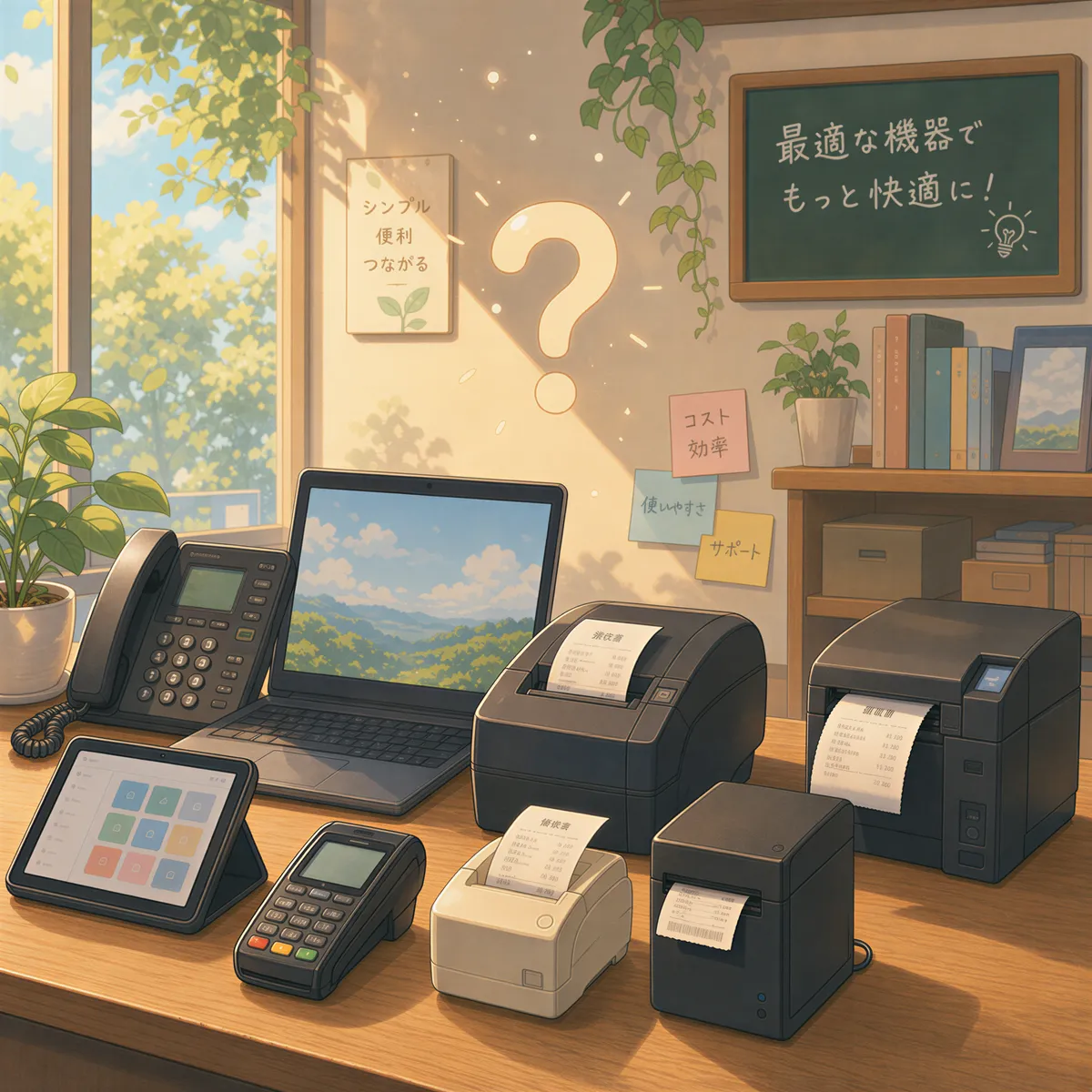
- USB-only printers. The phone talks to printers over Wi-Fi. If your printer has no network connection, see job one, or plug it into a print server box first.
- Bluetooth receipt printers. Most cheap receipt printers speak their own language over Bluetooth, not the network printing standard. They won't show up.
An ordinary Wi-Fi office printer works. So does a network receipt printer that supports IPP.
What it costs
ItJustPrints is $99 a month per station, or $999 a year, with a 14-day free trial through Google Play. One station is one phone and one printer.
Have a computer that's already on all day next to the printer? Then the old phone isn't needed: AutoPrintEmail does the same job on Windows or Mac.
Got the phone? Turn it into a print station.
Your next order could print itself.
14-day free trial, cancel anytime.