AirPrint vs Thermal Receipt Printers for Order Tickets
If you are setting up automatic order printing, the first real decision is the printer itself. Should order tickets come out on a small thermal receipt printer, or on a regular AirPrint office printer?
Both can work, but there is a catch with receipt printers: most of them cannot take a job from an iPad or Android phone at all. Here is a plain comparison so you can pick the right one before you buy anything.
Table of Contents
- What each type actually is
- Speed and running cost
- Paper size and what fits on it
- Reliability and networking
- Which one to choose
- You can use both
What each type actually is
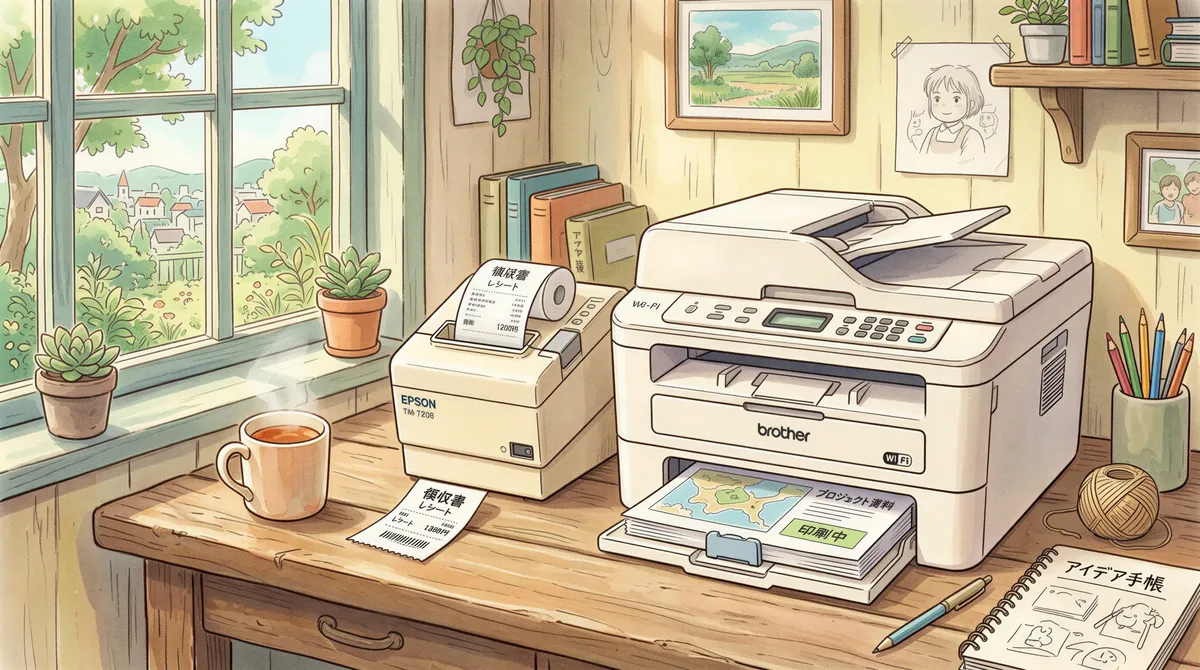
Thermal receipt printers print on a roll of heat-sensitive paper, the same kind you get at a supermarket till. There is no ink. They are small, fast, and built for high-volume ticketing.
AirPrint (and IPP) printers are standard Wi-Fi printers, usually inkjet or laser, that print on A4 or Letter paper. AirPrint is Apple's standard for printing over the network without drivers; IPP is the wider protocol most network printers speak. If a printer says "AirPrint" on the box, it will work over Wi-Fi with almost anything.
Speed and running cost
Thermal wins on both for ticketing. A receipt printer spits out a ticket in a second or two and never needs ink, so the cost per ticket is basically the paper roll. For a busy kitchen doing hundreds of orders a day, that adds up in your favor.
Office printers are slower per page and cost more per print once you count ink or toner. For a handful of orders a day, or for documents you actually want on full-size paper, that cost is irrelevant.

Paper size and what fits on it
An 80mm receipt is perfect for a compact order ticket: items, quantities, notes, order number. It tears off cleanly and clips to the rail.
A4 is better when you need more on the page: a packing slip, a booking with a full address, an invoice, or a form. If your "orders" are really documents, the office printer is the right tool.

Reliability and networking
Both are reliable once they are on your Wi-Fi and staying awake. The two things that trip people up are the same for either type: the printer going to sleep, and the printer being on a different network from the device sending the job. Keep the printer awake and on the same Wi-Fi, and tickets just flow.
Thermal printers designed for point of sale tend to be a little more forgiving of constant use. Consumer inkjets are happiest when they are not the only thing keeping the kitchen running during a rush.

Which one to choose
Choose a thermal receipt printer if you are printing lots of short order tickets to a kitchen or counter and want the lowest cost per ticket. This is the default for most food businesses.
One thing to check before you buy: the receipt printer must support AirPrint (for an iPad) or network IPP printing (for Android). Most receipt printers don't. They speak their own command language and only work through a POS app, so a Wi-Fi model can sit on your network and never show up on the tablet. AirPrint receipt printers do exist, the Star TSP654II AirPrint being a well-known one. Look for "AirPrint" in the spec sheet, not just "Wi-Fi".
Choose an AirPrint office printer if you need full-page output such as packing slips, bookings with addresses, or invoices, or if your volume is low enough that a printer you already own does the job.

You can use both
You are not locked into one kind of printer, but be clear on how it works. A station prints to one printer, so using both means two stations: two devices, each paired with its own printer and its own print address. Point your delivery emails at the thermal station and your packing-slip emails at the office one.
There is no routing inside a single station. Rules are a sender allowlist, not a per-sender printer, and there is no copy count or paper tray. If you want one machine making those decisions, AutoPrintEmail runs on a computer and has the full rules engine.
Start with the printer that fits most of your tickets, point your order emails at your print address, and add the second one later if you need it. Set it up free with ItJustPrints.
Your next order could print itself.
14-day free trial, cancel anytime.