How to Print Shopify and Online Store Orders Automatically
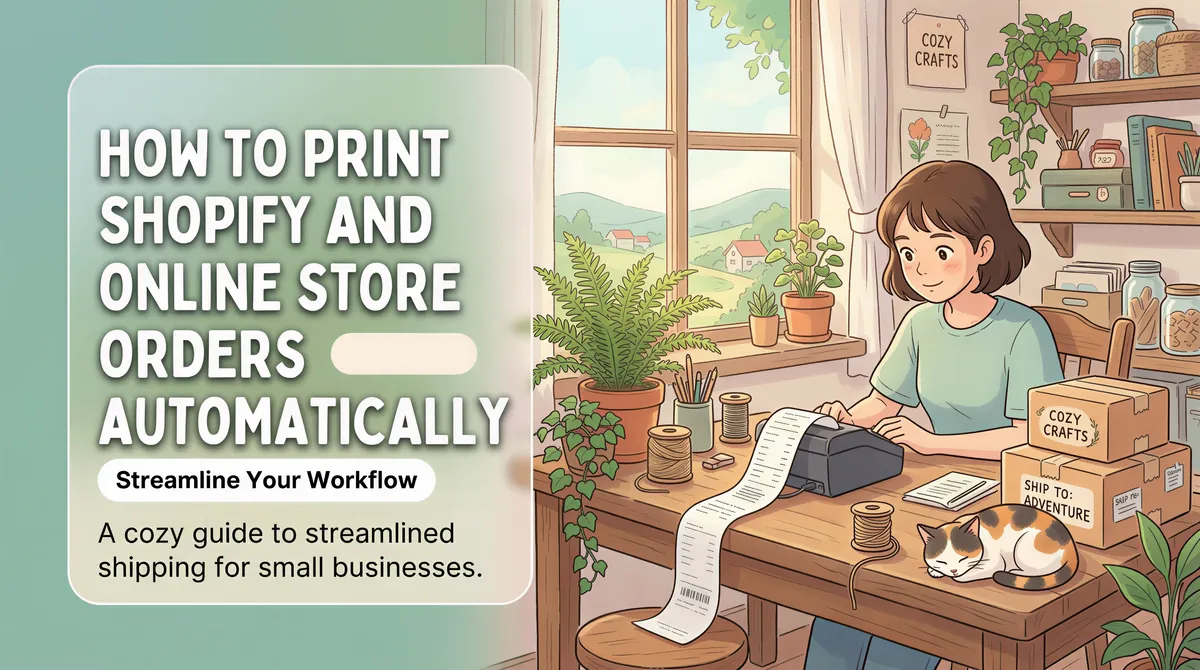
You made the sale. Now the order confirmation is sitting in your inbox, and someone has to notice it, open it, and print it before it can be packed. On a busy day, that gap between "order received" and "order printed" is where things get missed.
If you sell on Shopify, WooCommerce, Etsy, or your own store, you can close that gap completely. The order confirmation email your store already sends can print itself, on the printer you choose, the moment it lands. No POS, no Zapier, no plugins.
Table of Contents
- Why order printing gets missed
- You already have everything you need
- How to set it up for your store
- Packing slips vs order tickets
- Handling multiple stores and channels
Why order printing gets missed
Most small stores print orders by hand: open the email, hit print, go pack. It works until volume climbs or the day gets busy, and then the manual step becomes the weak link. Orders get printed late, printed twice, or buried under newer emails and forgotten.
The fix is not a bigger system. It is removing the manual step so a printed copy always appears without anyone having to remember.

You already have everything you need
Every store platform sends an order confirmation email when a sale happens. Shopify calls it an order notification. WooCommerce sends a "new order" email. Etsy emails you too. That email already contains the order details you need on paper.
Automatic printing just catches that email and prints it. You are not replacing your store or adding a new integration. You are pointing an email you already receive at a printer.

How to set it up for your store
- Install ItJustPrints on a phone or tablet on the same Wi-Fi as your printer, and pick the printer.
- Copy your private print address (for example
print-xxxx@in.itjustprints.app). - Point your store's order emails at it. In Shopify, add the address as an order-notification recipient under Settings, Notifications. In most other platforms, add it as a notification email or set an inbox forwarding rule for order emails.
That is the whole setup. The next order prints on its own, and it keeps printing as long as the station is plugged in.
Packing slips vs order tickets
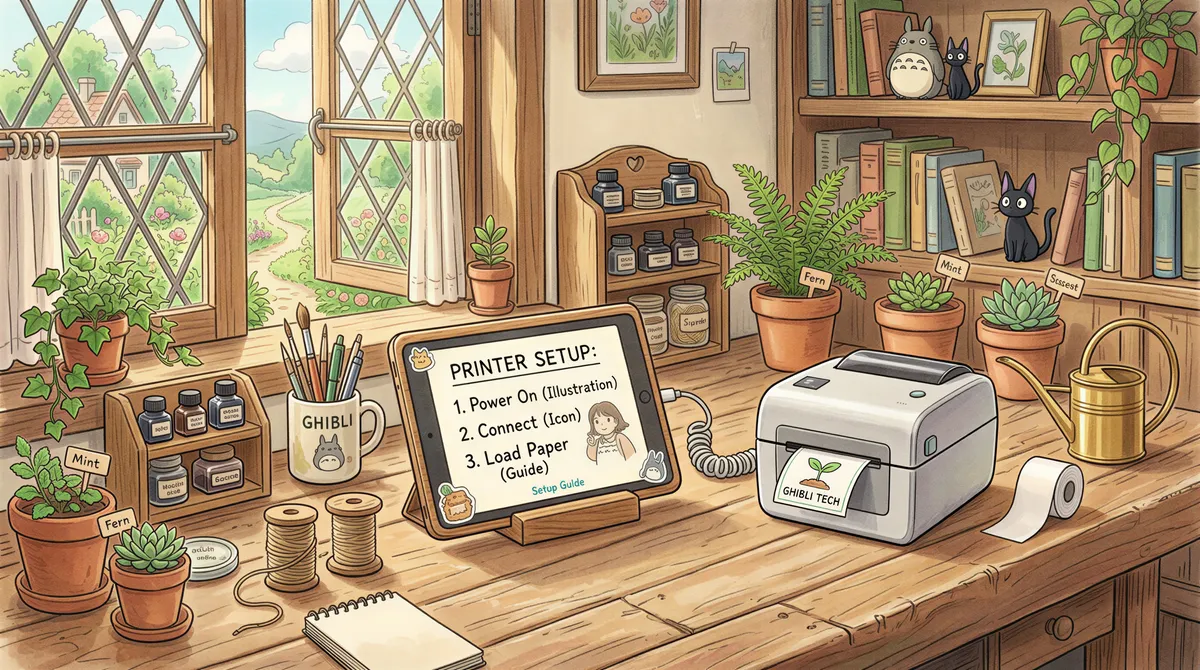
For a physical-product store, you usually want the full order on A4: items, quantities, shipping address, order number, ready to drop in the box. Point your print address at an AirPrint office printer and you get clean packing slips automatically.
If you also run a counter or kitchen, you can send a short ticket to a thermal printer at the same time. Same order email, two useful outputs.

Handling multiple stores and channels
Selling in more than one place is where this really pays off. A Shopify store, an Etsy shop, and a wholesale inbox can all forward to the same print address, and rules decide where each one prints: retail orders to the packing printer, wholesale to the office, and so on.
One address, every channel, printed the moment the order comes in. Try ItJustPrints free and let your store orders print themselves.

Your next order could print itself.
14-day free trial, cancel anytime.