Can an iPad Auto-Print Emails? Yes, With One Catch
Ask how to print email from an iPad and Apple's answer is the Mail app's Print button: open the email, tap, pick a printer, repeat for the next one. The forum threads go further and say hands-free is impossible, because iPadOS has no background print daemon and AirPrint needs a human tap.
That answer is half right, and the half it gets wrong is the half you care about.
Table of Contents
- Short answer: yes, and here's the catch
- What iPadOS actually blocks
- How the setup works
- Keeping the iPad awake
- Is this an HP ePrint replacement?
- When an iPad is the wrong answer
Short answer: yes, and here's the catch
An iPad can print emails automatically with an app like ItJustPrints. You forward the email to a private print address, and an iPad on the same Wi-Fi as your printer sends the job over AirPrint on its own. Nobody opens the mail. Nobody taps Print.
The catch is the one thing the forum threads got right: the app has to be the one on screen. Apple suspends hidden and locked apps, and no amount of clever engineering changes that. So the iPad becomes a station: docked, plugged in, screen on, running one app. Think order display, not tablet.
That's it. That's the whole caveat. If you can spare a device, an iPad prints your email all day without you.

What iPadOS actually blocks
It helps to be precise about the limit, because the internet is not.
- There is no background print service. Nothing on iPadOS watches your inbox and prints. True in 2020, still true now.
- Apple pauses apps you can't see. Lock the screen or switch apps and the app stops working. This is the real constraint.
- AirPrint itself is fine. Once an app is running and has a document, it can print to an AirPrint printer without a tap.
Put those together and the picture flips. The blocker was never printing. It was having something awake to do the printing.

How the setup works
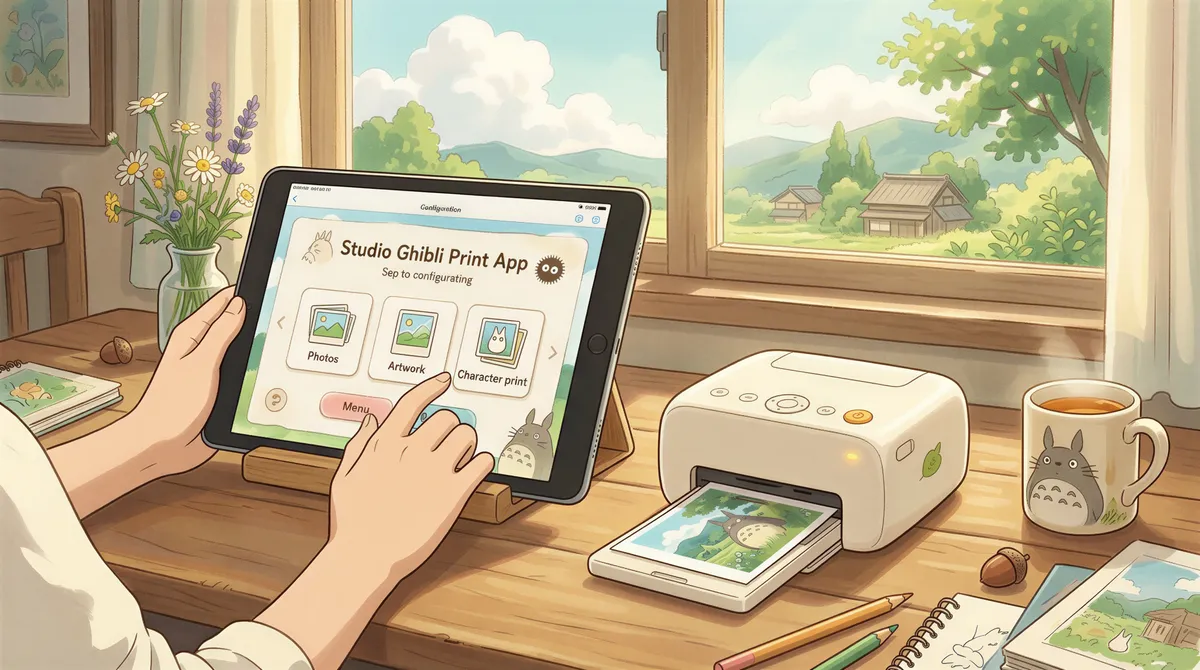
- Install ItJustPrints on the iPad and pick your printer. Any AirPrint printer on the same Wi-Fi shows up.
- Copy the private print address it gives you, something like
print-xxxx@in.itjustprints.app. - Forward the mail you want printed to that address. A Gmail filter, an Outlook rule, or your store's order-notification settings all work.
Mail arrives, the station picks it up, the printer runs. Jobs wait on our side until the station collects them, so nothing is lost if the iPad is briefly asleep or the tray is empty.
Keeping the iPad awake
Two settings do all the work:
- Settings → Display & Brightness → Auto-Lock → Never. Keep it plugged in and the screen stays on.
- Guided Access pins the app so a passing thumb can't swipe it away.
An Android tablet is more forgiving here: the screen can sleep and printing keeps running. If you have both lying in a drawer, use the Android one. If you have an old iPad, it works fine as long as it stays lit.
Push wake helps too. A suspended station can be nudged awake when mail arrives, but treat it as insurance rather than the plan. The dependable setup is a device that stays on.

Is this an HP ePrint replacement?
For most people, yes. HP ePrint was the "email your printer" service a lot of small offices relied on, and HP says it isn't supported on printers released after fall 2020. The shape here is the same: an address you email, paper that comes out. The difference is it's not tied to one printer brand, and it prints from a device you already own onto the printer you already have.
When an iPad is the wrong answer
Be honest about it:
- You need the iPad for other things. A station wants to be dedicated.
- You have no spare device at all and no old phone in a drawer.
- Your printer isn't on Wi-Fi and can't be.
Otherwise the "not natively possible" answer is out of date. The OS never gained a print daemon. It just turned out you don't need one. Set up a station and let the mail print itself.

Your next order could print itself.
14-day free trial, cancel anytime.