HP ePrint Not Working? The Replacement With No Computer
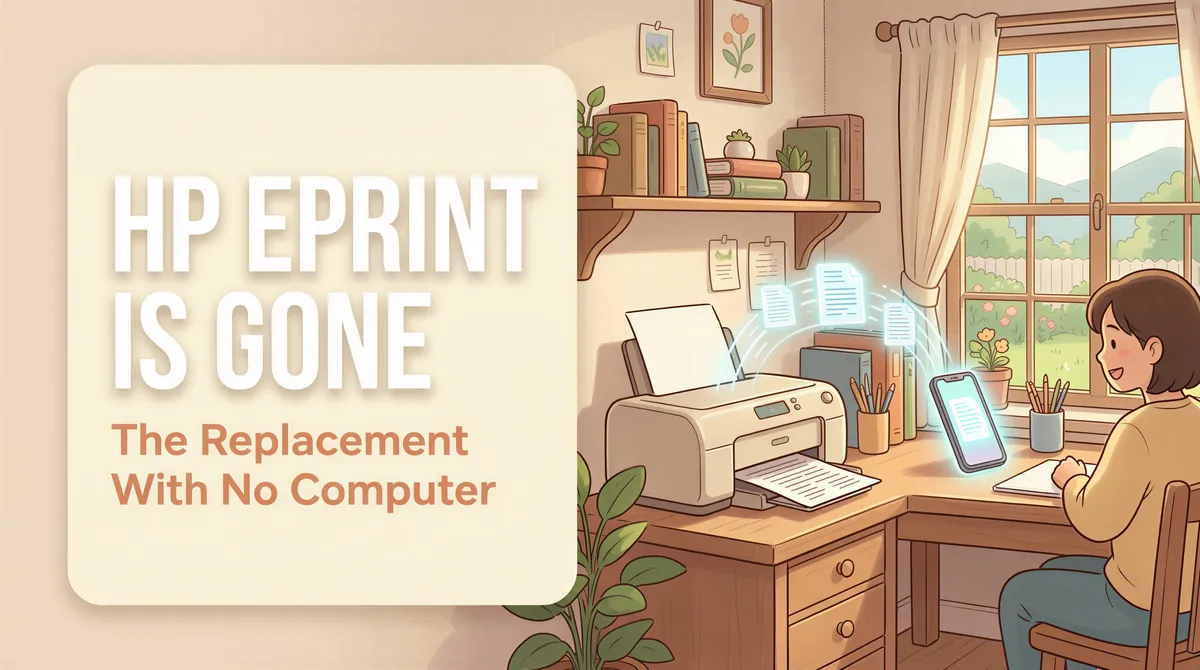
Your printer used to have an email address. You sent a PDF to it from your phone, walked over, and picked up the paper. No app, no driver, no computer anywhere in the story.
Then one day it stopped working, and nobody told you why.
Here's what happened, and how to get the exact same habit back without buying a PC to babysit a printer.
Table of Contents
- What actually happened to HP ePrint
- Why HP Smart is not the replacement
- The replacement: an address, plus a device you already own
- The catch: something still has to be awake
- What it costs
- When you want the other product instead
- Getting the old habit back
What actually happened to HP ePrint
It depends on the printer, which is why it confuses people.
HP says ePrint isn't supported on printers released after fall 2020, and points those models at Print Anywhere instead (HP Support). So if your printer is newer, it never had an address to lose.
Older models may still have an ePrint address, and HP Smart is where to check it. If mail sent to it no longer prints, ePrint may not be set up on that printer anymore, and you get no error worth reading. Either way, it only ever worked on supported HP printers.
Why HP Smart is not the replacement
HP points ex-ePrint users at Print Anywhere in the HP Smart app. It prints, so it looks like an answer.
It isn't, for two reasons:
- There is no address. You open the app and pick a file. A supplier, a delivery platform, or an automated order email cannot trigger a print. That was the whole point of ePrint.
- HP printers only. If your next printer is a Brother or an Epson, you start over.
Anything that replaces ePrint has to accept mail from someone who isn't you. Otherwise it's just a print dialog with extra steps.

The replacement: an address, plus a device you already own
The shape that actually works in 2026 is the same shape ePrint had, with the smart part moved off the printer.
- You get a private print address, something like
print-xxxx@in.itjustprints.app. - You forward mail to it. A Gmail filter, an Outlook rule, or your store's order-notification setting all do this in about a minute.
- A phone or tablet next to the printer runs the app and sends each job over AirPrint or Wi-Fi.
Mail lands, paper comes out. Nobody opens the message, nobody taps Print.
Two things this buys you that ePrint never did. Any printer works, not one brand's list. And the address belongs to a service you're paying for rather than a free feature a printer company can retire on a Tuesday.
ItJustPrints is live on the App Store and Google Play. An old iPad or Android tablet in a drawer is a perfectly good print station.
The catch: something still has to be awake
Be suspicious of anyone selling this as magic, including us.
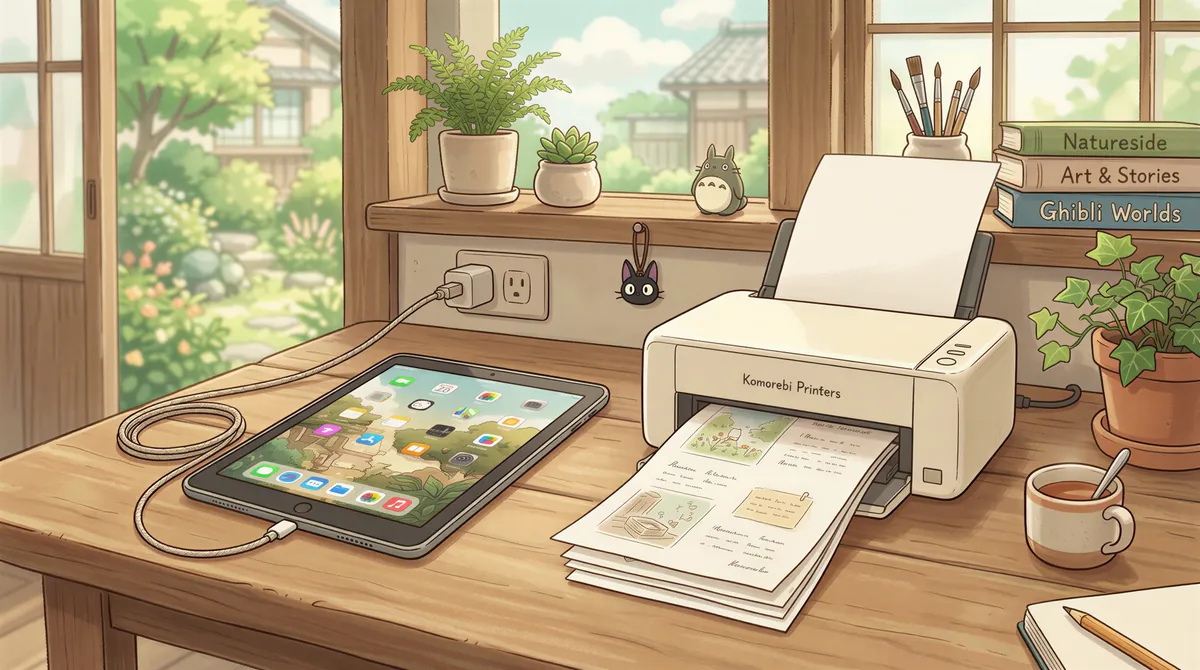
ePrint's trick was that the printer itself was online and listening. Consumer printers don't do that anymore. So something has to sit near the printer, awake, ready to print: with us that's a phone or tablet, plugged in, running the app.
On an iPad that means screen on, Auto-Lock set to Never, ideally pinned with Guided Access. Android is easier, the screen can sleep and printing keeps going. We wrote the whole limitation up in can an iPad auto-print emails, including the parts Apple genuinely blocks.
No computer. Not no device. That's the honest version.

What it costs
$99 a month per print station, or $999 a year, with a 14-day free trial. Billing runs through the App Store or Google Play.
That's more than a printer app and less than the hour a week someone spends forwarding order emails to a person who prints them. If you're printing two things a day, it isn't worth it. If a counter is printing every order that comes in, the math is not close.

When you want the other product instead
We make two of these, and they suit different rooms.
If there's already a computer near the printer and it stays on, AutoPrintEmail is cheaper ($29/month per computer, or a one-time license) and processes everything on that machine. Your email content never routes through anyone's cloud, which matters if you're printing patient forms, legal documents, or anything you'd rather keep entirely in the building. (One caveat: its Office-to-PDF converter does send Word and Excel attachments off the machine for conversion unless you switch it off.)
ItJustPrints is the opposite trade: no computer required, but the mail you forward is received and rendered in our cloud before it reaches the station. Pick on that, not on price. The side-by-side comparison lays out the rest.

Getting the old habit back
Fifteen minutes, once:
- Install the app on a spare phone or tablet and pick your printer.
- Copy the print address.
- Point your supplier, your store, or a mail rule at it.
- Plug the device in, leave it awake, forget about it.
The thing you lost wasn't a printer feature. It was a habit: send it, and it prints. That part is easy to get back. Start a station and hand out the new address.

Your next order could print itself.
14-day free trial, cancel anytime.