iPad Receipt Printer for Online Orders, No POS Needed
You bought a receipt printer for the iPad. It's on the Wi-Fi, the test page came out fine, and then you open an order email, tap Print, and the printer isn't in the list.
You didn't set it up wrong. Most receipt printers were never built to show up there. Here's why, which ones do, and how to get online orders printing on one from an iPad, with no POS system.
Table of Contents
- Why your receipt printer doesn't show up
- The receipt printers that do work
- Printing online orders without a POS
- The iPad catch
- Thermal or office printer?
- What it costs
Why your receipt printer doesn't show up
The iPad's Print button only lists AirPrint printers. AirPrint is Apple's standard for printing over Wi-Fi without drivers.
Most receipt printers don't speak it. They talk to the iPad through a POS app that has their maker's code built in. Take one of the most common: the Epson TM-m30III is Wi-Fi capable but not AirPrint compatible. It prints from POS apps and Epson's own utilities, and nowhere else.
That makes printers like it great inside a POS app, and invisible to everything else on the iPad. Before you buy, look for the word AirPrint on the spec sheet. If it isn't there, assume the printer only works through apps.

The receipt printers that do work
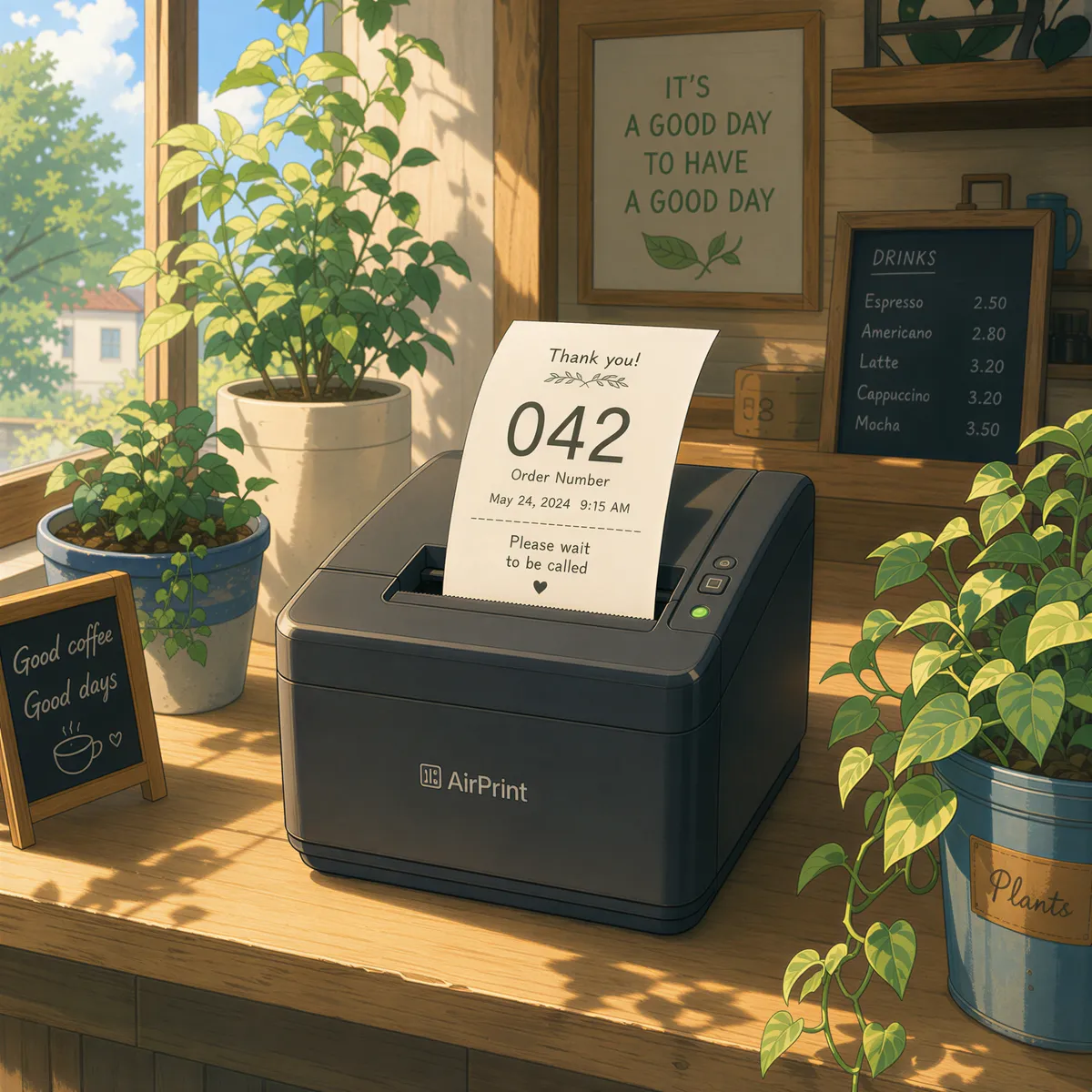
The Star TSP654II AirPrint was the first receipt printer to get Apple's AirPrint certification. It takes 80mm and 58mm rolls, connects by Ethernet or Wi-Fi, and shows up in the iPad's print list like any office printer.
Check the exact model name when you buy. The AirPrint version is sold as its own model, separate from the regular TSP654II.
Don't need a ticket? A normal AirPrint office printer is the other option. Full-page packing slips, no special paper.
Printing online orders without a POS
Here's the part a POS would normally do: notice a new order and print it. Without one, use the email your store already sends.
ItJustPrints turns the iPad into a print station with its own email address:
- Install ItJustPrints on the iPad and pick the AirPrint receipt printer.
- Set the print address's paper size to Receipt 80mm (or 58mm for narrow rolls). That drops the margins to zero, so the whole roll width gets used.
- Send your order emails to the print address. Most platforms let you add it straight to the new-order notification, like WooCommerce and Shopify.
Each order prints as it arrives, no tap needed.
The iPad catch
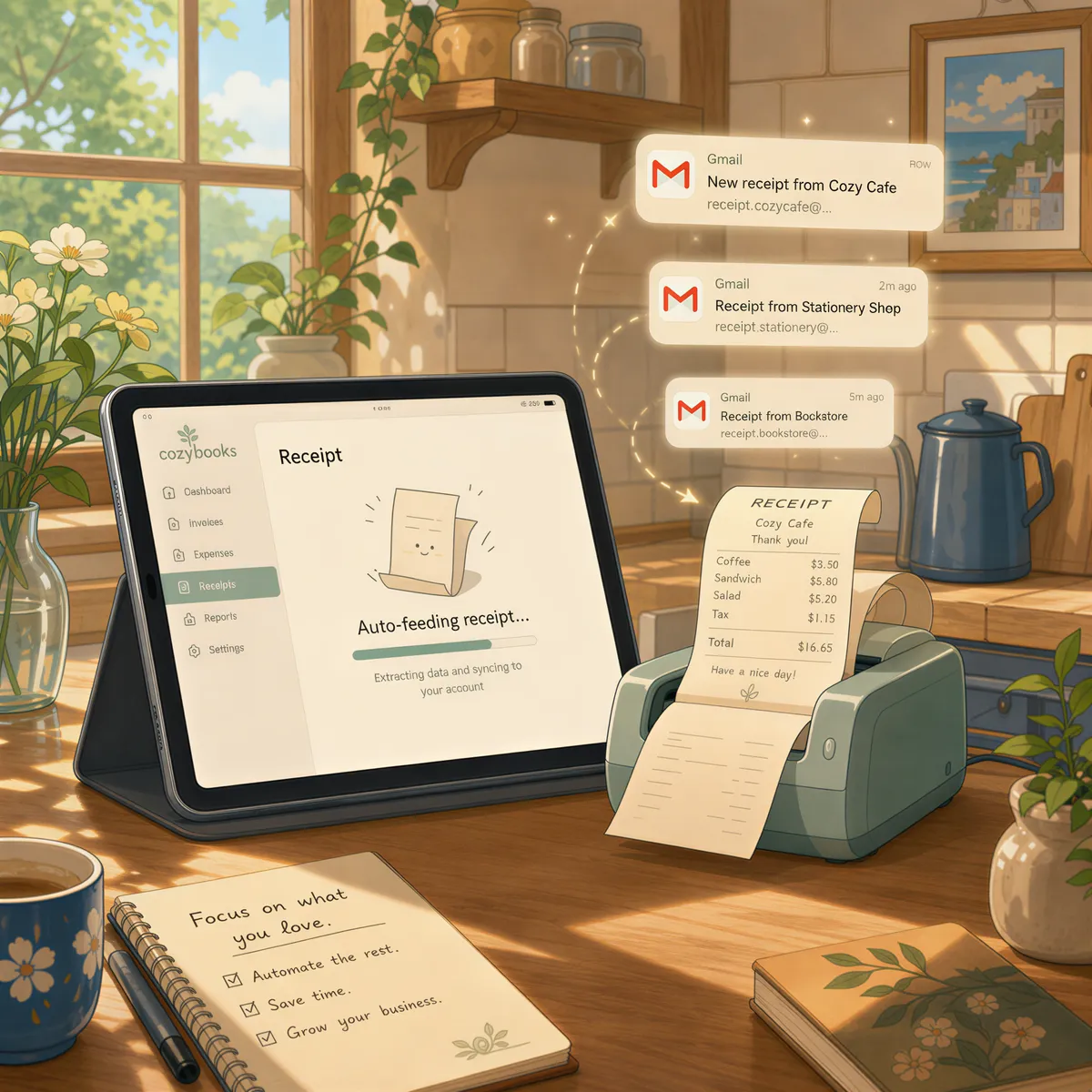
Apple pauses apps that aren't on screen. So the iPad station keeps ItJustPrints open, plugged in, with Auto-Lock set to Never. Guided Access locks it to the one app if staff borrow it.
Think of it as an order display rather than a tablet. The full list of what keeps it printing is in keep the app open.
If you have an old Android tablet too, it's the easier station: the screen can sleep and printing keeps running. It still needs a printer it can reach over the network.
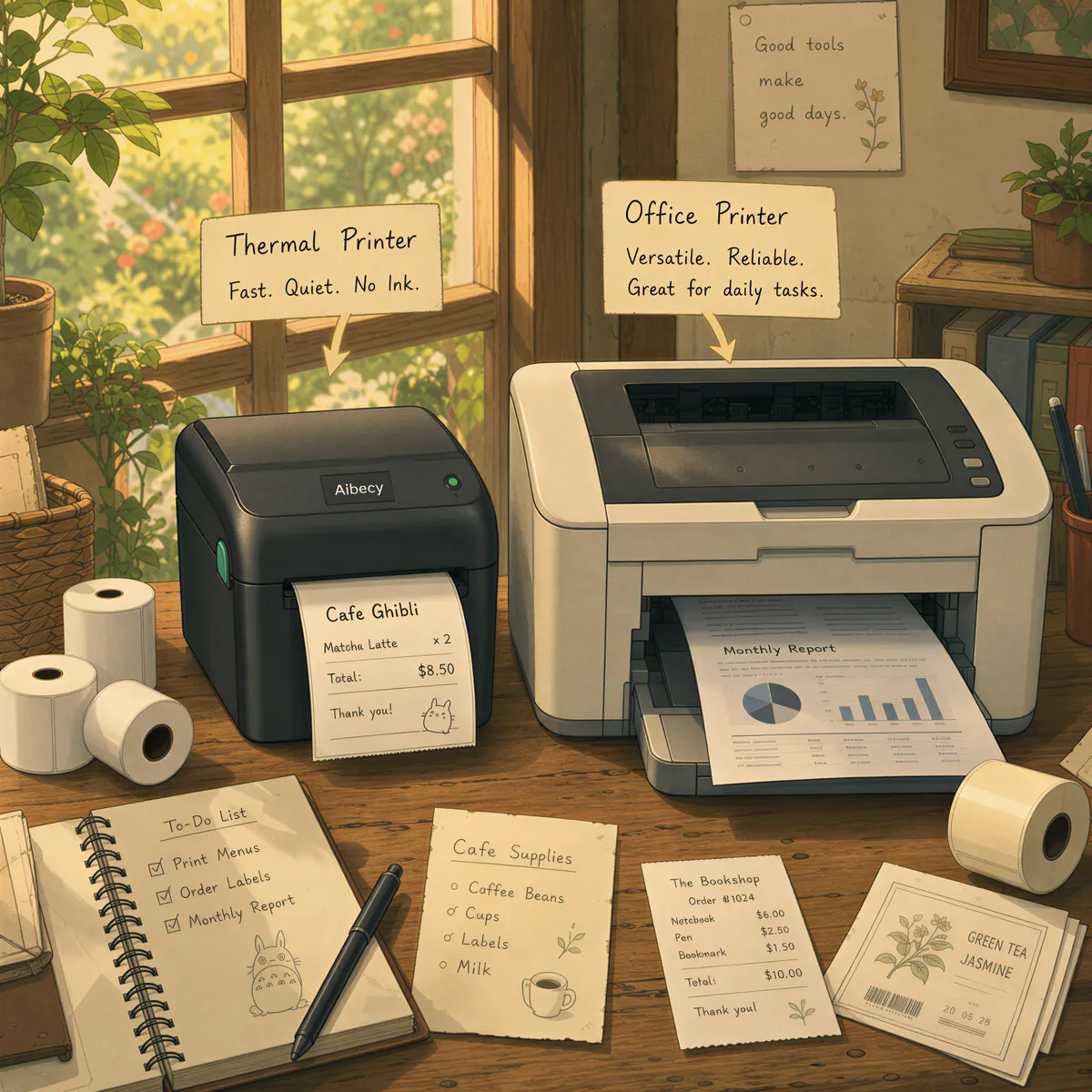
Thermal or office printer?
Short version:
- Receipt printer: lots of short tickets, kitchen or counter, cheapest per ticket.
- Office printer: packing slips, addresses, invoices, anything you want on a full page.
We compared them properly in AirPrint vs thermal receipt printers. One station drives one printer, so if you want both, that's two stations.
What it costs
ItJustPrints is $99 a month per station, or $999 a year, with a 14-day free trial through the App Store.
Already running a POS on the iPad? Use its printing; that's what it's for. ItJustPrints is for the orders that arrive by email and never touch your POS.

Your next order could print itself.
14-day free trial, cancel anytime.